Welcome to XM RADIO Support
Welcome to XM RADIO Support, an online information platform created to make radio setup, activation guidance, account information, and common troubleshooting topics easier to understand. Our goal is to provide clear, organized, and helpful information for people who want to enjoy their radio listening experience with greater confidence.
Radio services can sometimes involve several steps, including preparing a device, understanding activation requirements, managing account information, and resolving reception concerns. Finding the right information can feel confusing, especially when instructions are difficult to follow or technical terms are unfamiliar.
At XM RADIO Support, we believe helpful information should be simple, accessible, and easy to follow. We focus on explaining common radio-related topics in straightforward language so visitors can better understand their options and determine the appropriate next steps.

Our Mission
Our mission is to make radio-related information easier to access and understand. We aim to reduce confusion by presenting practical guidance in a clear and organized format that supports visitors at different levels of experience.
We understand that every visitor may have a different question. Some people may need help understanding the general activation process, while others may want to learn about subscription information, account management, device settings, or signal reception.
What We Do
XM RADIO Support provides general information and educational guidance related to radio listening services and their common features. Our content is designed to help visitors understand how different processes work and what they may need to consider when addressing a question or concern.
Our website covers a range of informational topics, including radio setup, activation requirements, account-related guidance, subscription information, reception issues, and general troubleshooting.
We organize our content around practical questions rather than complicated technical explanations. This approach helps visitors identify the information they need without having to read through unnecessary details.
Our Approach to Helpful Information
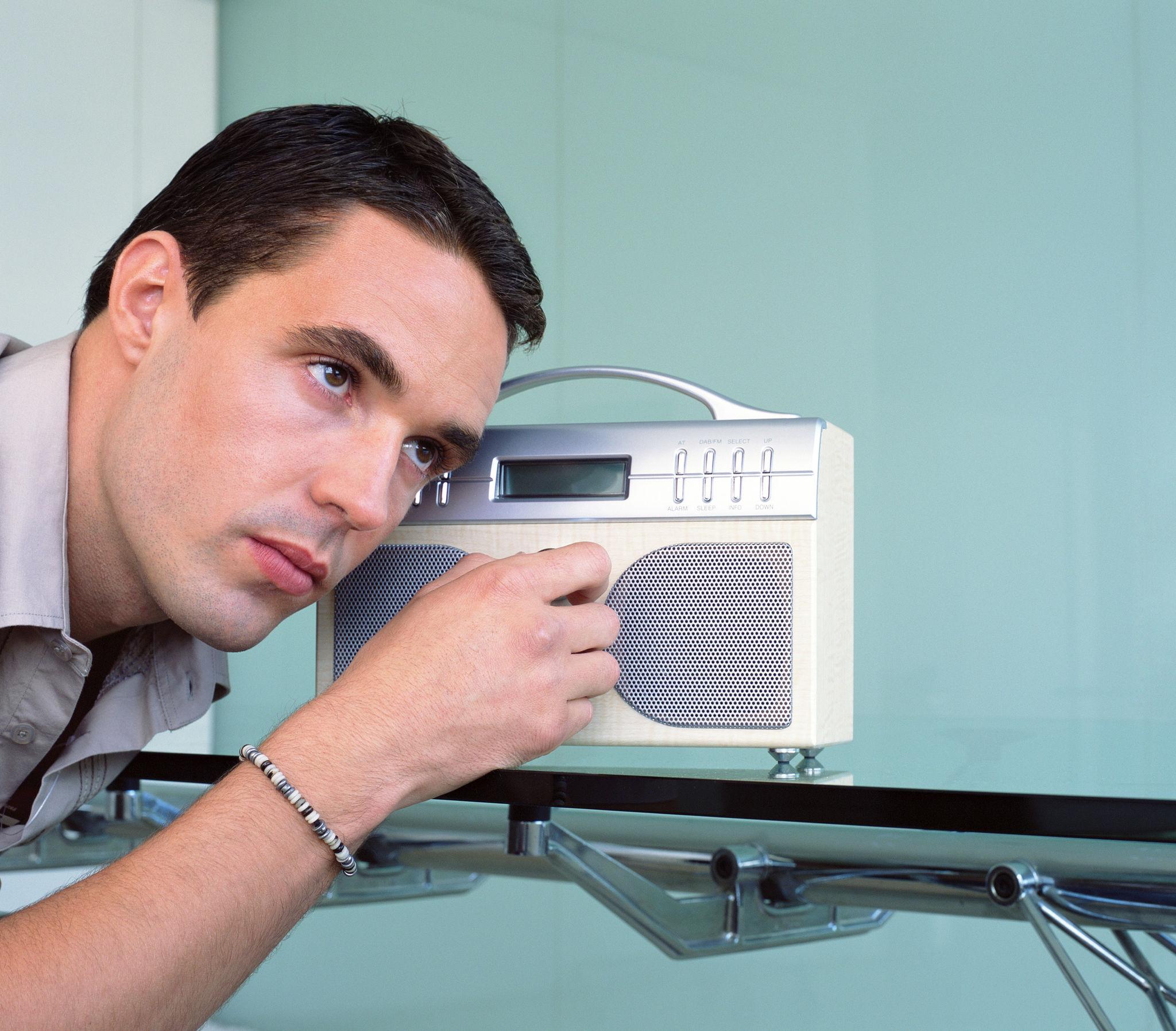
We believe useful support information should be clear, responsible, and easy to navigate. Our approach is based on presenting general guidance in a way that visitors can understand and use to identify appropriate next steps.
We focus on writing content that is:
Clear and straightforward: We use simple language wherever possible and explain technical concepts in an accessible way.
Organized and practical: We divide information into sections so visitors can quickly locate topics relevant to their questions.
Informative: We aim to explain not only what a process involves, but also why certain steps may be important.
Responsible: We recognize that account-specific or service-specific matters may require assistance from the actual service provider.
Radio Setup and Activation Guidance
Getting started with a radio service may involve understanding device requirements, preparing the equipment, reviewing activation instructions, and confirming that the necessary service information is available.
Our informational content helps visitors understand the general steps involved in preparing a radio device and learning about the activation process.
We may explain common setup considerations, such as checking the device’s power supply, reviewing available settings, ensuring that the equipment is installed appropriately, and understanding what information may be required during activation.
We also aim to explain common setup difficulties in simple terms so visitors can identify possible causes and determine whether further assistance may be needed.

Can't find your Radio ID? Need help with billing, subscriptions, activation, renewals, signal issues, account access, radio transfers, or any other SiriusXM-related questions?
(844) 799-2226